01
The dashboard and its certification map
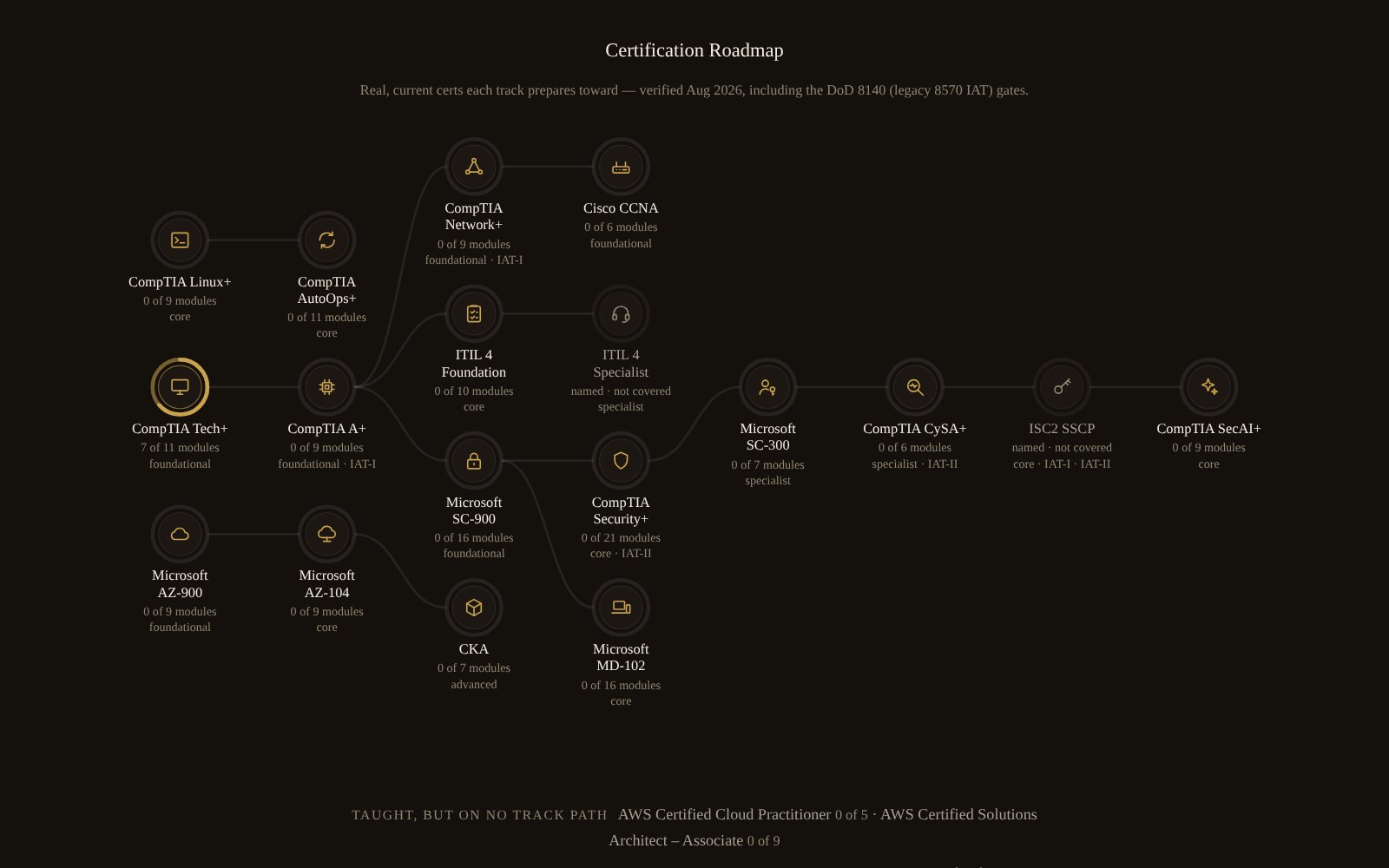
The dashboard opens on where you left off and the module that comes next. Further down, the certification map draws a ring around each certification that fills as you finish the modules mapped to it; it records modules finished, never an exam passed.
02
A lesson, one section at a time
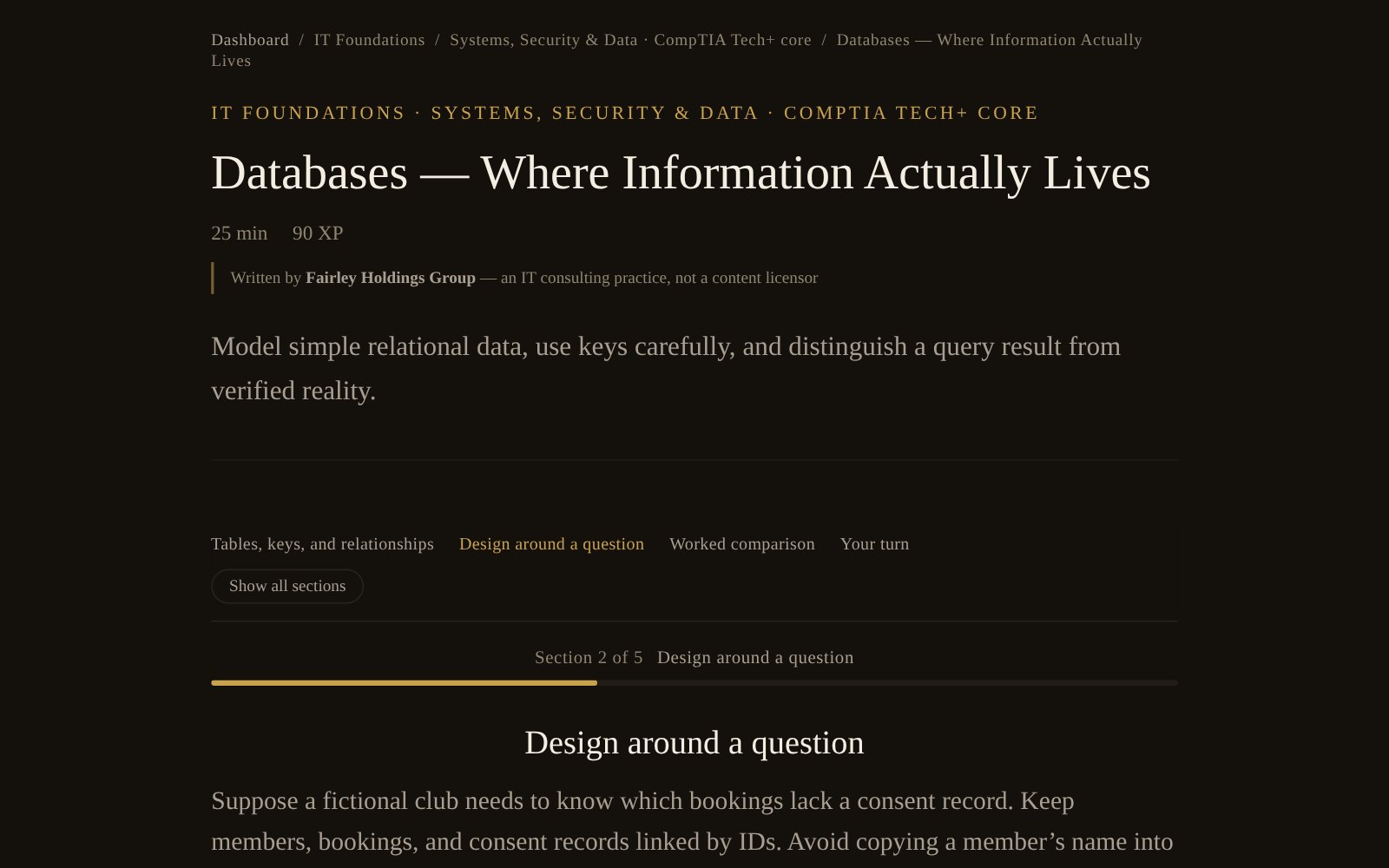
Each module steps through its sections one at a time, with a bar that shows how far through you are and a clear end. Show all sections turns it back into one page when you want to search or skim.
03
A members’ case in the practice console
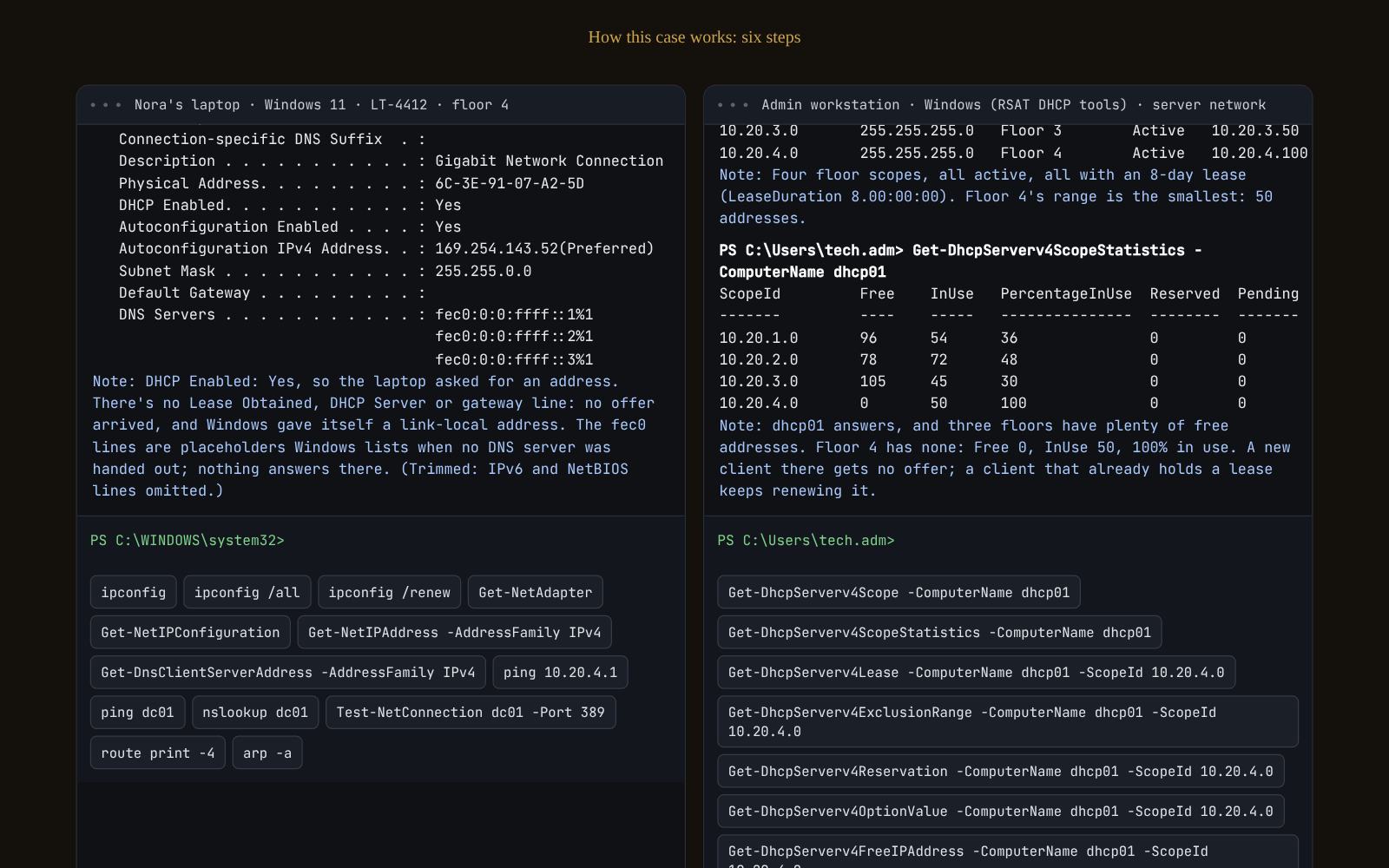
You work a simulated ticket from two machines at once, here a new laptop that got no network address and the admin workstation that can query the DHCP server. You prove the cause from the output before you change anything, then write the handoff and verify the fix.
04
A checkpoint at the end of a section
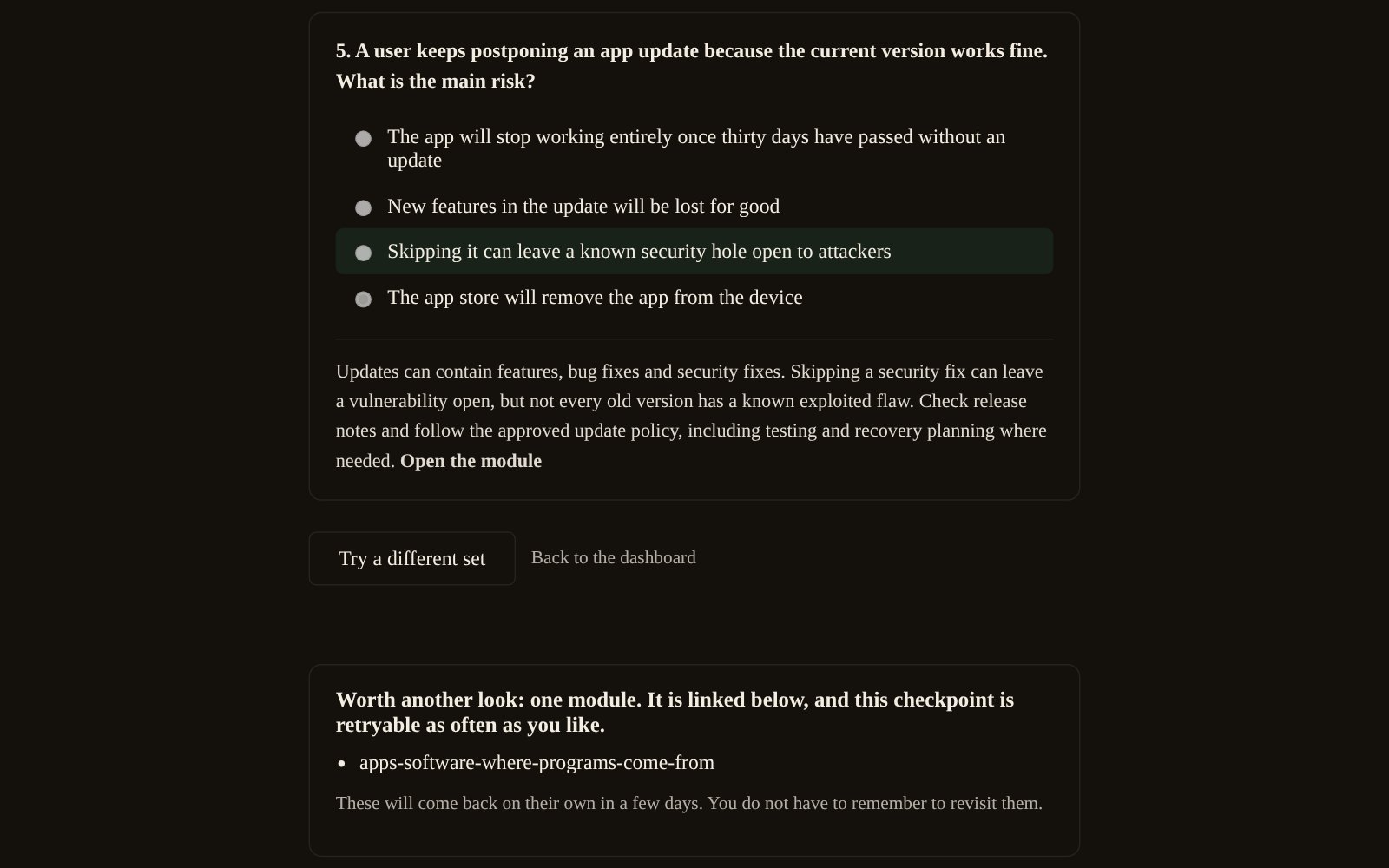
A short checkpoint asks what you remember from the section you just finished; nothing is scored or recorded as a grade, and you can retry it. What you miss comes back by email, first no sooner than two days later, then at widening intervals as you get it right, so reviewing it does not depend on remembering to.
05
The résumé builder
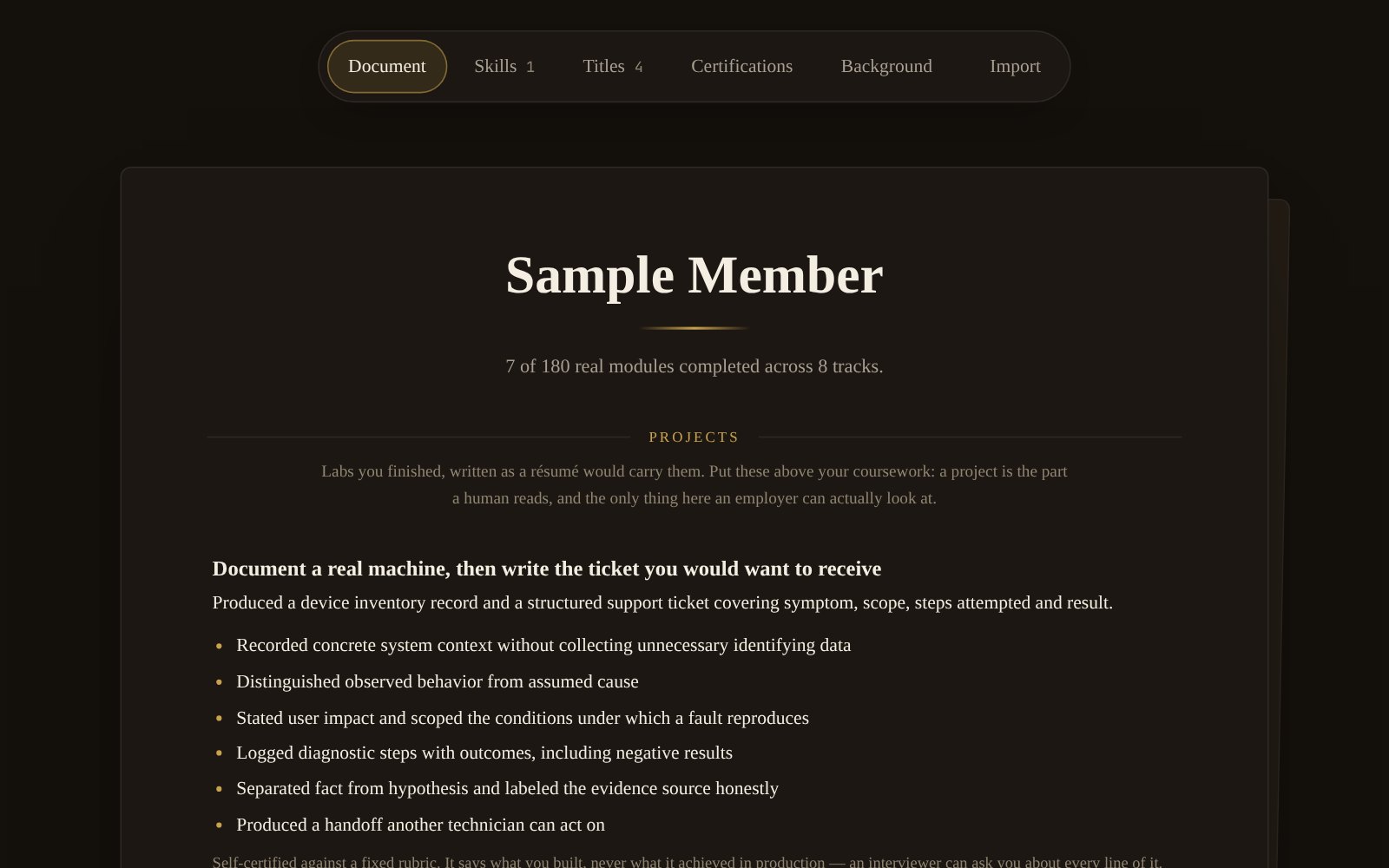
Your résumé compiles from the modules you finished and the labs you recorded, and lists nothing you have not done. Here the starter lab appears as a project, each skill it showed written as a line an interviewer can ask you about.
06
Career Navigation
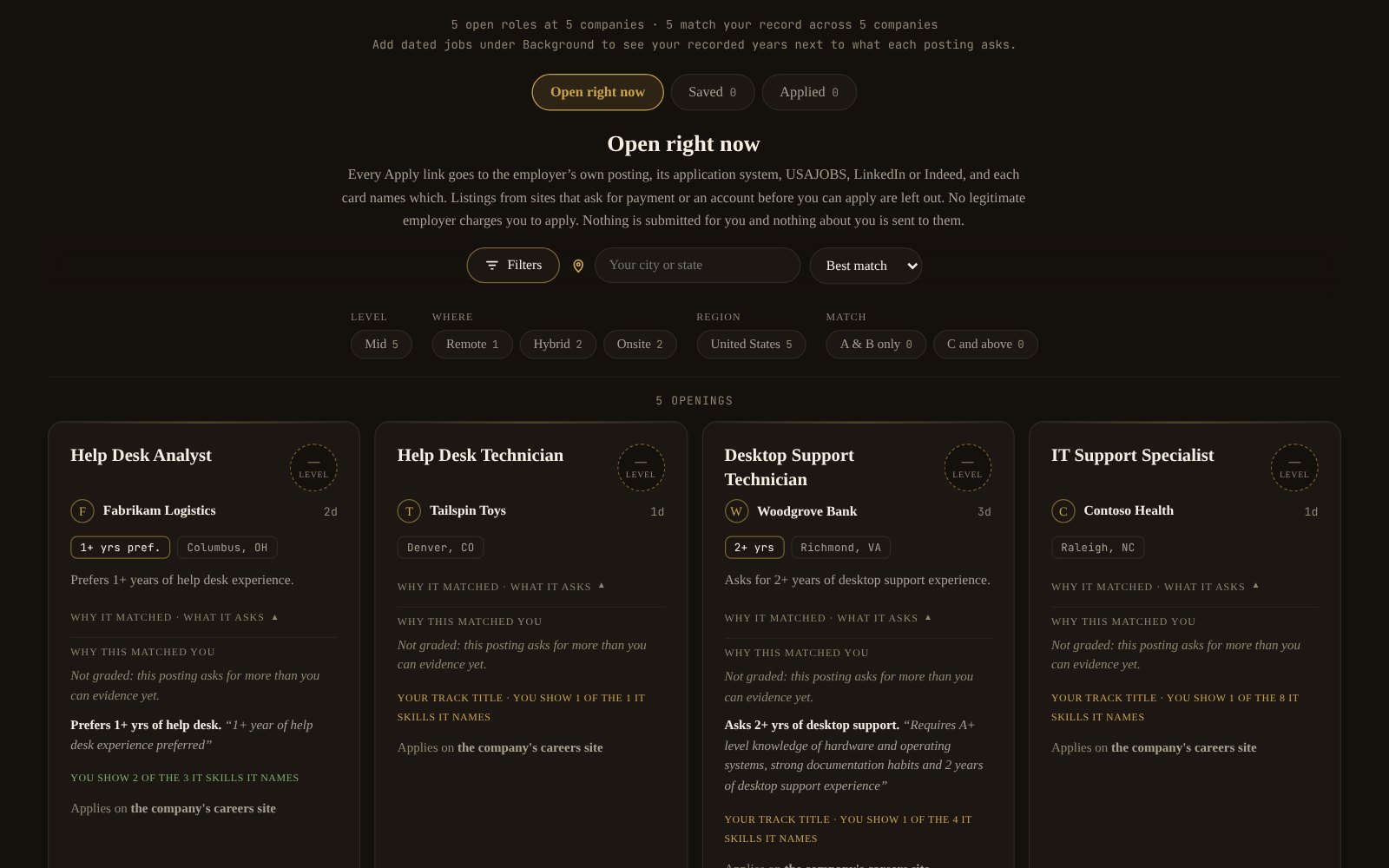
Career Navigation reads current openings against your record and says, posting by posting, what you can show evidence for and what the posting asks that you cannot yet. The employers and postings in this picture are made up for the sample.